Announcement Bar
Configure Dialog
The configure dialog allows the content author to define the teaser and how it will behave and appear for a visitor to the page.
Link & Actions Tab
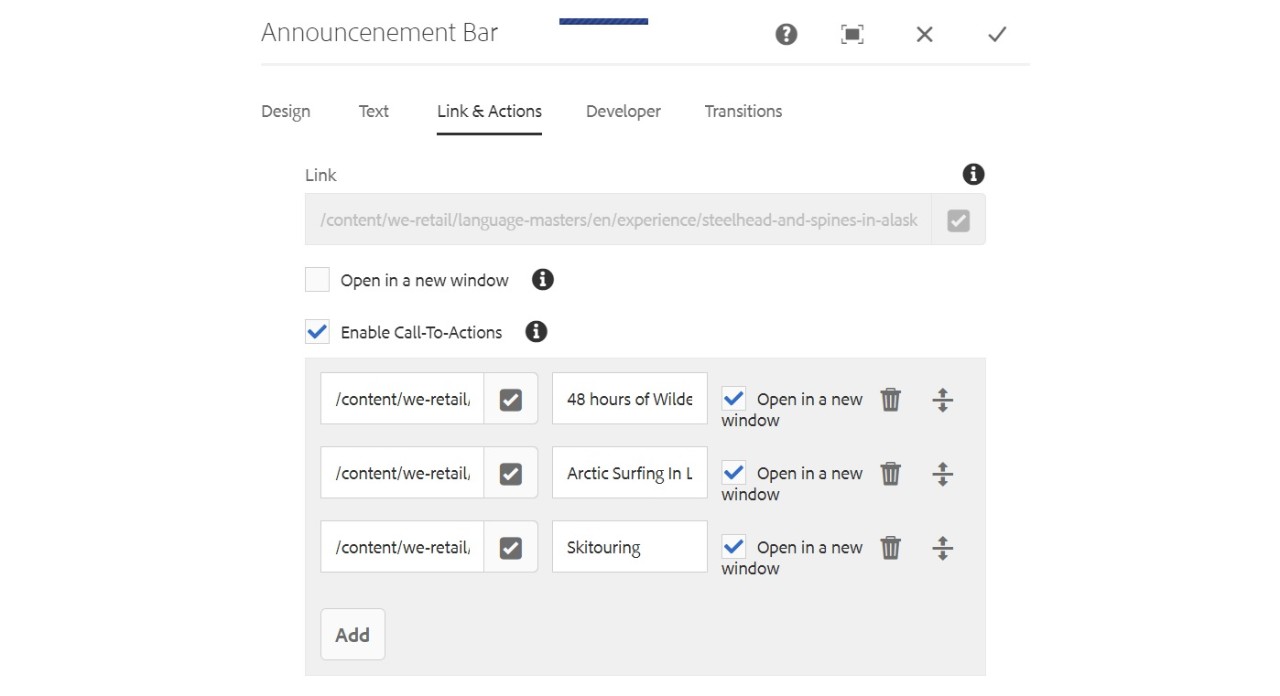
- Link Link applied to the teaser. Use the path browser to select the link target.
- Enable Call-To-Actions When checked, enables definition of Call-To-Actions. The first Call-To-Action link in the list is used as the link for other teaser elements.
- Open in a new window When checked, it allows hyperlinks to open in a new window.

Copyright © 2025. All rights reserved. Informa Markets, a trading division of Informa PLC.